Scanner to confirmation
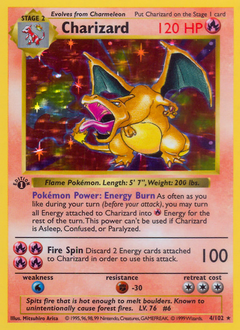
The first screen should make it obvious that the product can identify a card and move into a confirmation step without a long manual form.
Screens
These are the main moments to show: match the card, see the ledger, and understand how proof fits in.
The first screen should make it obvious that the product can identify a card and move into a confirmation step without a long manual form.
After the match is confirmed, the ledger view should feel like the source of truth for image, owner data, grade, and current market pricing.
HashLock is important, but it should appear after the collector understands the scanner and ledger flow. That keeps the marketing page clear.
Separating screens from the homepage keeps launch focused and gives these product views enough space to be useful instead of cramped.